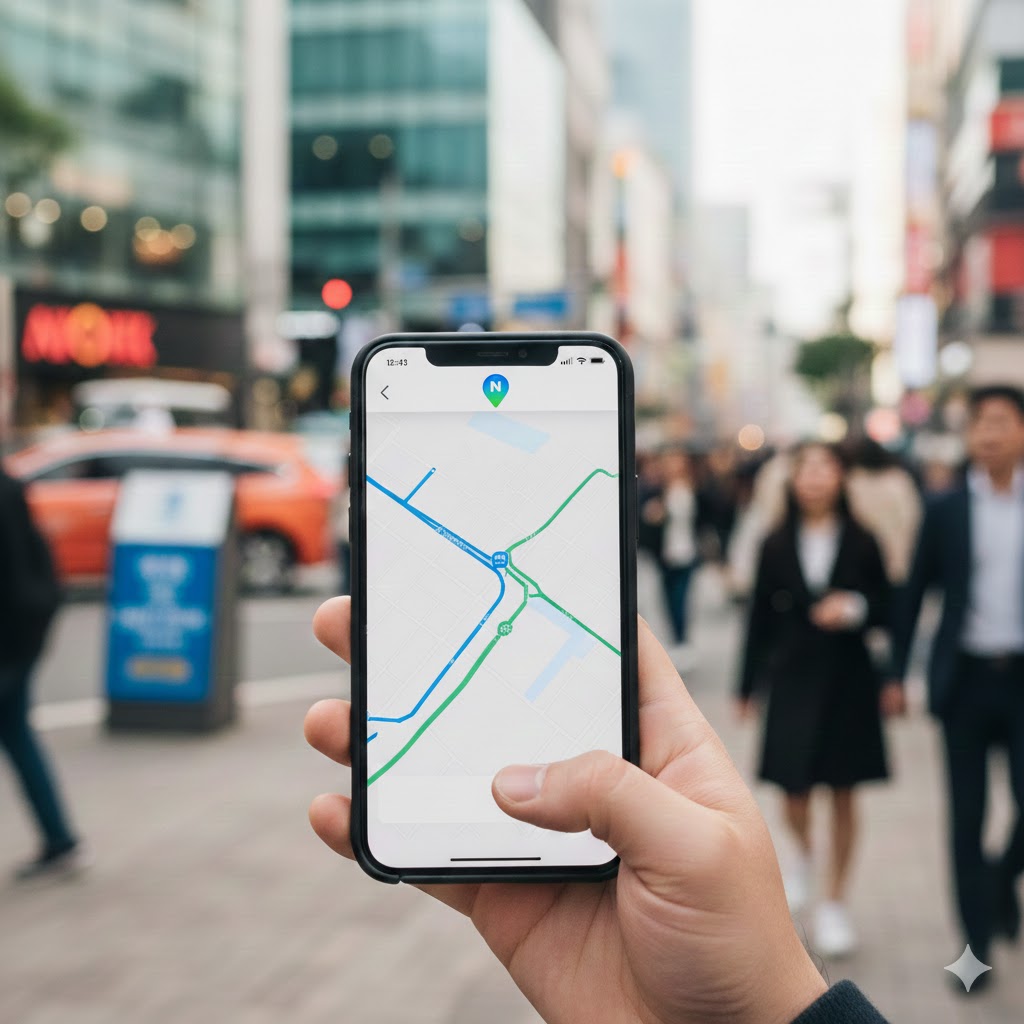
If you are planning a trip to South Korea, here is a crucial Deep K-Insight: Your trusty Google Maps will not work here as it does in other countries.
Due to national security regulations, South Korea restricts the export of local map data to foreign companies. As a result, Google Maps cannot provide walking directions or accurate real-time data. To navigate Korea like a local, you must install these three domestic apps before you land.
1. Naver Map (The All-in-One Giant)
Naver Map is the most popular navigation app in Korea. It is the Korean equivalent of Google Maps but much more powerful within the peninsula.
- Best for: General navigation, finding restaurants, and checking reviews.
- Key Feature: Excellent English interface and the most accurate database of local businesses.
- Why you need it: It provides the most precise walking paths, even through narrow alleys in Seoul.
2. KakaoMap (The King of Public Transport)
While Naver is great for searching, many locals prefer KakaoMap for its smooth interface and superior public transport data.
- Best for: Taking buses and subways efficiently.
- Key Feature: It shows the real-time location of buses, so you know exactly when to arrive at the station.
- Deep K-Insight: It tells you the best subway car to board for the fastest transfer or exit.
3. Kakao T (The Essential Taxi App)
In Korea, you don’t hail taxis on the street as much as you used to. Everyone uses Kakao T.

- Best for: Calling a taxi anytime, anywhere without a language barrier.
- Key Feature: You can see the estimated fare in advance and set your destination in the app.
- Note for Foreigners: It now supports foreign credit cards, making it a lifesaver for travelers.
Which one should you choose?
If you have limited space on your phone, start with Naver Map. However, for a seamless “Local Life” experience, having all three will make your journey much smoother.
Next Step: Master the Apps Ready to use these apps like a pro? Check out our detailed step-by-step guides for each: